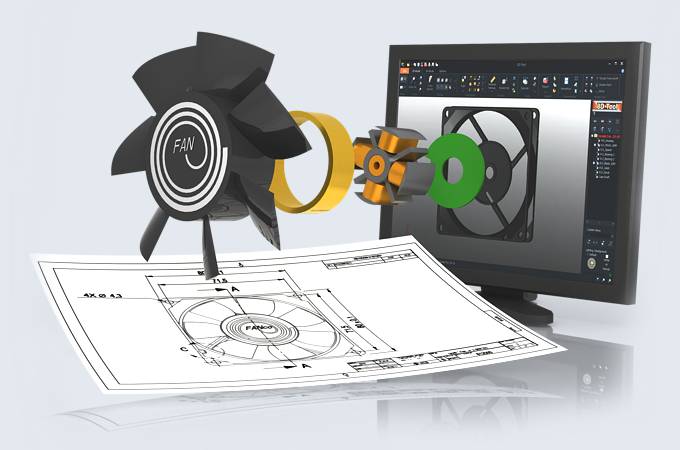
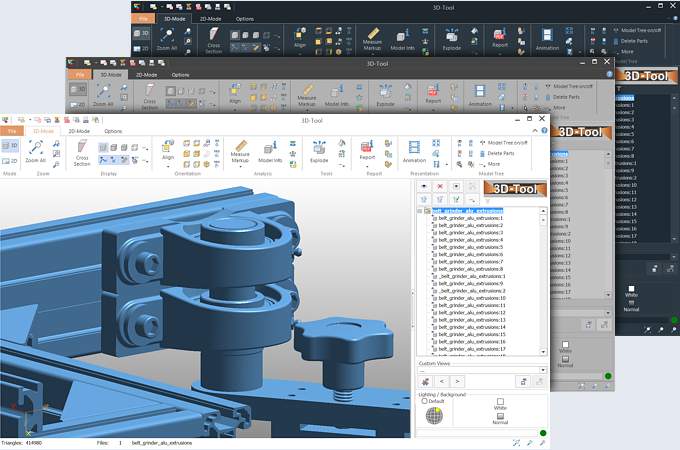
3D-Tool CAD-Viewer (www.3D-Tool.de) The CAD-Tool to Visualize, Analyze, Collaborate and Convert
|
|
 |
 |
 |
|
3D-Tool Functions Overview
|
|
 |
|
 |
|
|
|

|

|

|

|

|
|
|
3D-NativeCAD Converter
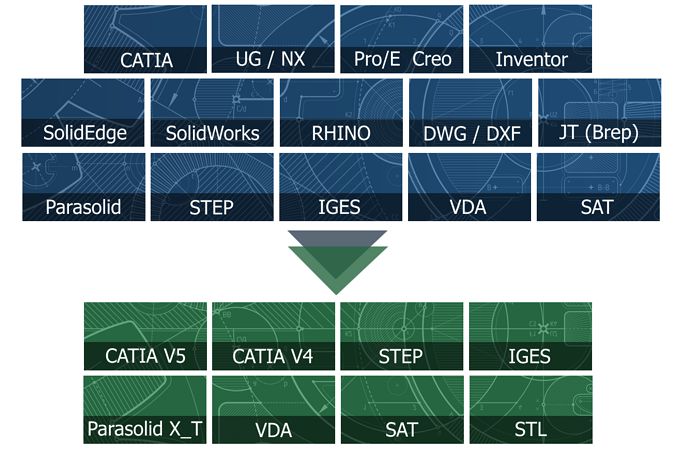
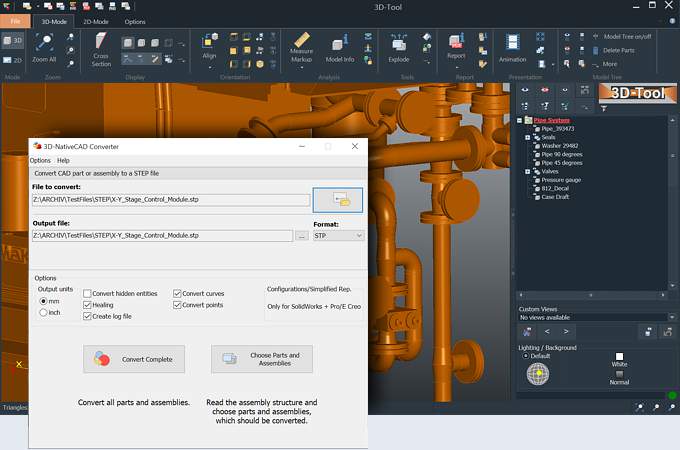
3D-NativeCAD Converter to convert CATIA V4/V5, Pro/E, Inventor, STEP, IGS, VDA and SAT to CATIA V4/V5, STEP, IGS, VDA, SAT, SAB, ASAT and STL.
|
|
|
|
|
|
3D Premium Import
CATIA V4 - *.exp, *.model, *.session (CATIA 4.1.9 - 4.2.4) CATIA V5 - *.cat, *.catpart (R2 - R20) Pro/ENGINEER - *.prt, *.asm, *.xpr, *.xam (16 - Wildfire 5) Autodesk Inventor - *.iam, *.ipt (11 - 2009 )
|
|
|
|
|
|
3D Advanced Import
3D Advanced file formats: STEP, IGES, VDA, SAT and PARASOLID.
|
|
|
|
|
|
3D Basic Import
3D Basic file formats: STL, VRML, SLP, XGL, OBJ, PLY, 3DS, ASC, DXF, IV.
|
|
|
|
|
|
Load STL files
Import of models in STL file format.
|
|
|
|
|
|
Load 2D drawings
2D file formats: DXF, DWG, HPGL and HPGL2
|
|
|
|
|
|
Load multiple files simultaneously
Merge multiple files, even with different formats, in one scene.
|
|
|
|
|
|
Load 3D-Tool EXE/DDD files
Import of EXE and DDD files created by 3D-Tool. (3D and / or 2D)
|
|
|
|
|
|
|
Hide and show elements
Single parts and whole assemblies can be hidden and shown.
|
|
|
|
|
|
Adjust graphical display of elements
The elements of the model can be colored, switched transparent, and be shown in different render modes, e.g. shaded, shaded with edges, hidden lines.
|
|
|
|
|
|
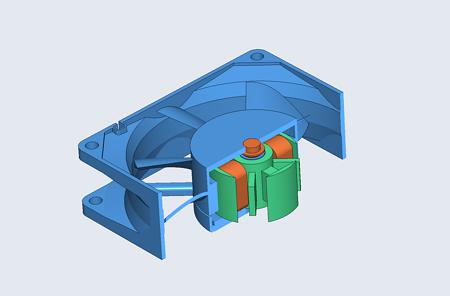
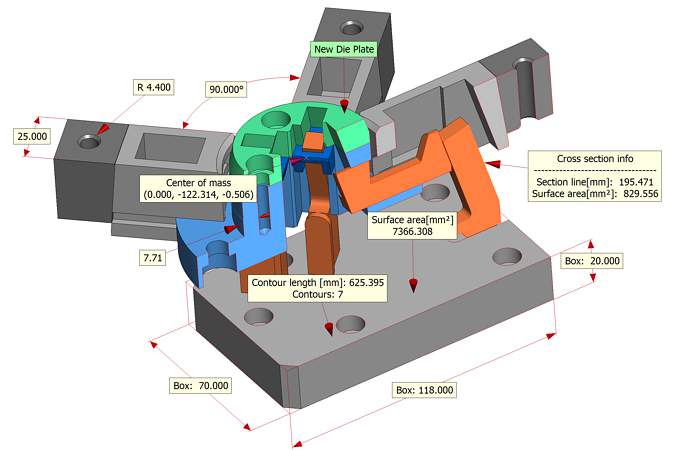
Cross sections
Create cross sections of the whole model or single parts and assemblies.
|
|
|
|
|
|
Assembly explode
Create exploded views of the model, by moving and turning the elements, without changing the original position.
|
|
|
|
|
|
Animation
Combine separate Views to create 3D-Tool animations.
|
|
|
|
|
|
Position and copy elements
Move, rotate, mirror, scale, the elements in the coordinate system. Also create copies of elements.
|
|
|
|
|
|
Property Editor
Quickly edit names, colors, or transparencies of elements. Save changes for the following versions of the model.
|
|
|
|
|
|
Placement
Move, turn, and scale parts in the coordinate system. Align parts.
|
|
|
|
|
|
Repair
Close open edges, reposition turned triangles, and delete triangles.
|
|
|
|
|
|
RP-Layout
Place parts on a Rapid Prototyping System platform.
|
|
|
|
|
|
Support of 3D mouses
Support of the 3Dconnexion 3D mouses e.g. SpaceNavigator, SpaceExplorer, SpacePilot, SpaceTraveller.
|
|
|
|
|
|
|
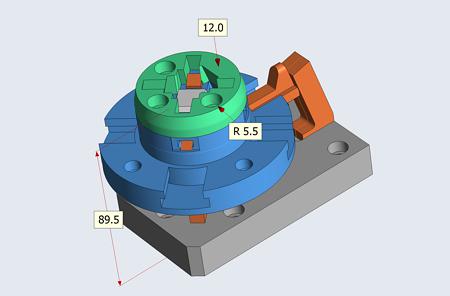
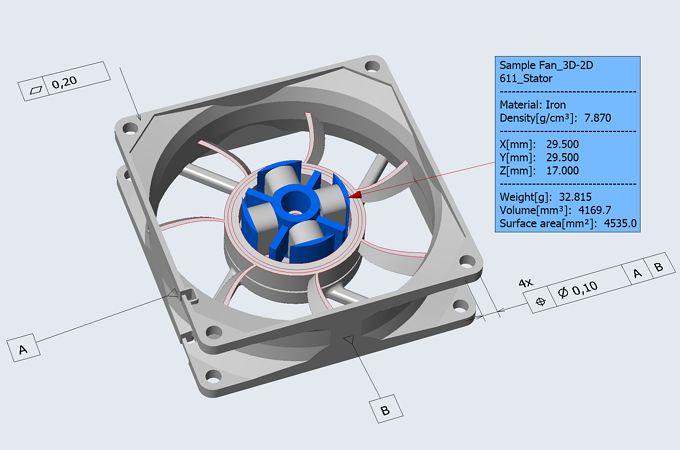
3D-Dimensions
Measure distance, angle, radius, diameter, edge lenght, wall thickness, and clearance.
|
|
|
|
|
|
2D-Dimensions
Measure distance, angle, line length, radius and diameter.
|
|
|
|
|
|
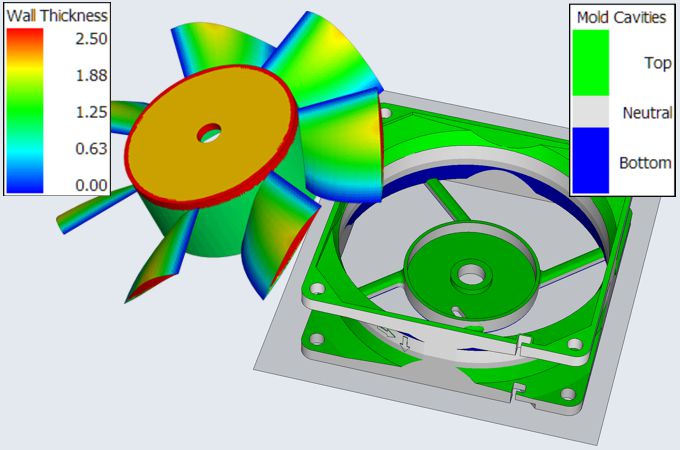
Tooling analysis
Display drafts in different colors and calculate the projected area.
|
|
|
|
|
|
Wall thickness analysis
Display wall thicknesses in different colors.
|
|
|
|
|
|
Information
Information about the volume, the surface area and the dimension of elements.
|
|
|
|
|
|
|
Custom Views
Custom Views save any 3D or 2D view, including all display settings (shown/hidden elements, cross sections, explosions) and can viewed as needed.
|
|
|
|
|
|
Custom View Editor
Easily change the order and the names of Custom Views.
|
|
|
|
|
|
3D-Annotations
Create 3D-notes on the model.
|
|
|
|
|
|
2D-Annotations
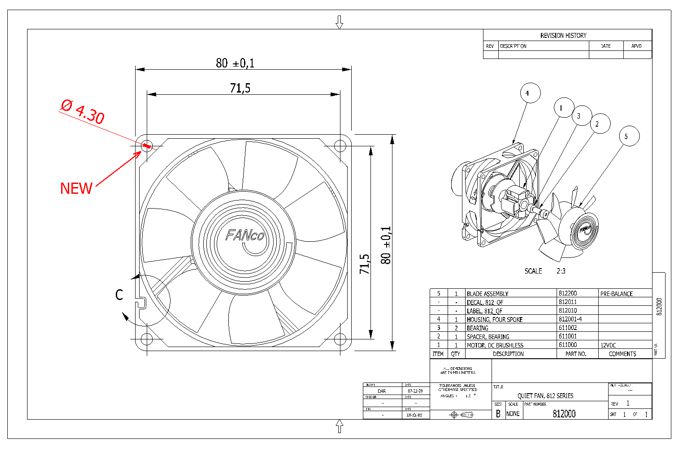
Create redline markups (Arrows, circles, sketches) in 2D drawings
|
|
|
|
|
|
Insert pictures and text
Insert text and pictures in 2D-drawings and in the background of the 3D-view.
|
|
|
|
|
|
|
Publish EXE and DDD files
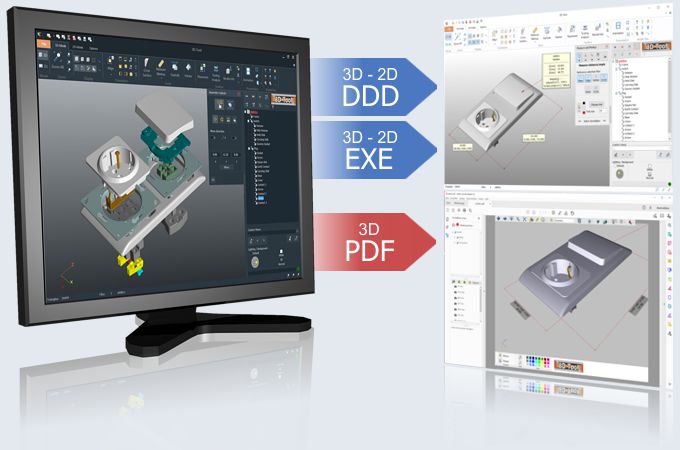
The whole project, including all Annotations, Dimensions, Custom Views, and Animations, is contained in the 3D-Tool EXE and DDD files. Additionally the EXE files contain the 3D-Tool Viewer and can be viewed on any computer, using Windows, without installation.
|
|
|
|
|
|
Publish 3D-PDF-files
Models can be published as 3D-PDF and then be viewed with the Acrobat Reader.( 7.0.7 or higher).
|
|
|
|
|
|
Convert CATIA, Pro/E, Inventor, STEP, IGS, VDA and SAT
3D-NativeCAD Converter supports CAD-Data conversion from CATIA V4/V5, Pro/ENGINEER, Autodesk Inventor, STEP, IGES, VDA and SAT to CATIA V4/V5, STEP, IGS, VDA, SAT and STL.
|
|
|
|
|
|
Save STL, VRML, 3DS and PLY
Convert imported models to the STL,VRML, 3DS, or PLY file format.
|
|
|
|
|
|
Print
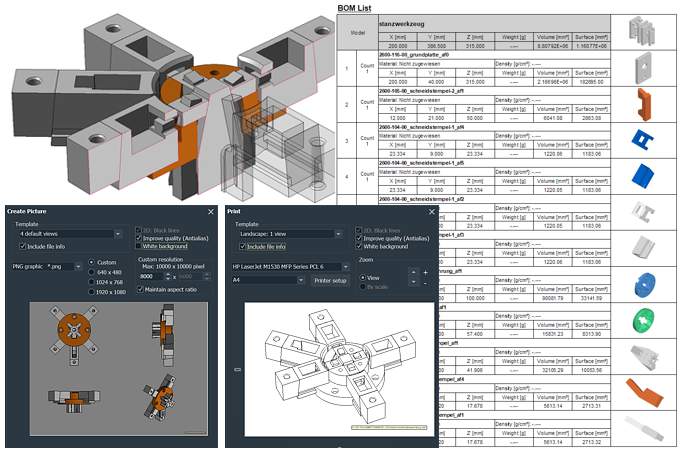
Print any 3D and 2D view separately or combined with other views.
|
|
|
|
|
|
Create BMP/JPG pictures
Save any 3D or 2D view or combination of views as BMP or JPG file.
|
|
|
|
|
|
Animation export as AVI video
Export animations created with 3D-Tool as AVI video.
|
|
|
|
|
|
|
 |
 |
 |
|
Supported Operating Systems
|
|
|
|
(c) 3D-Tool/Ingo Wulf Kleiststrasse 7 68542 Heddesheim, Germany E-Mail: Team@3D-Tool.de Fax: +49 (0)3212 1198 521
|